MagicaLCore
 MagicaLCore
 EDU


Blog · Education
MagicaLCore EDU: a complete machine learning unit for the iPads your school already has
Six 50 minute exercises, one per model type, a teacher's guide with rubrics and a student notebook. No accounts, no ads, no tracking, and student data stays on the iPad.
By MagicaLCore ·
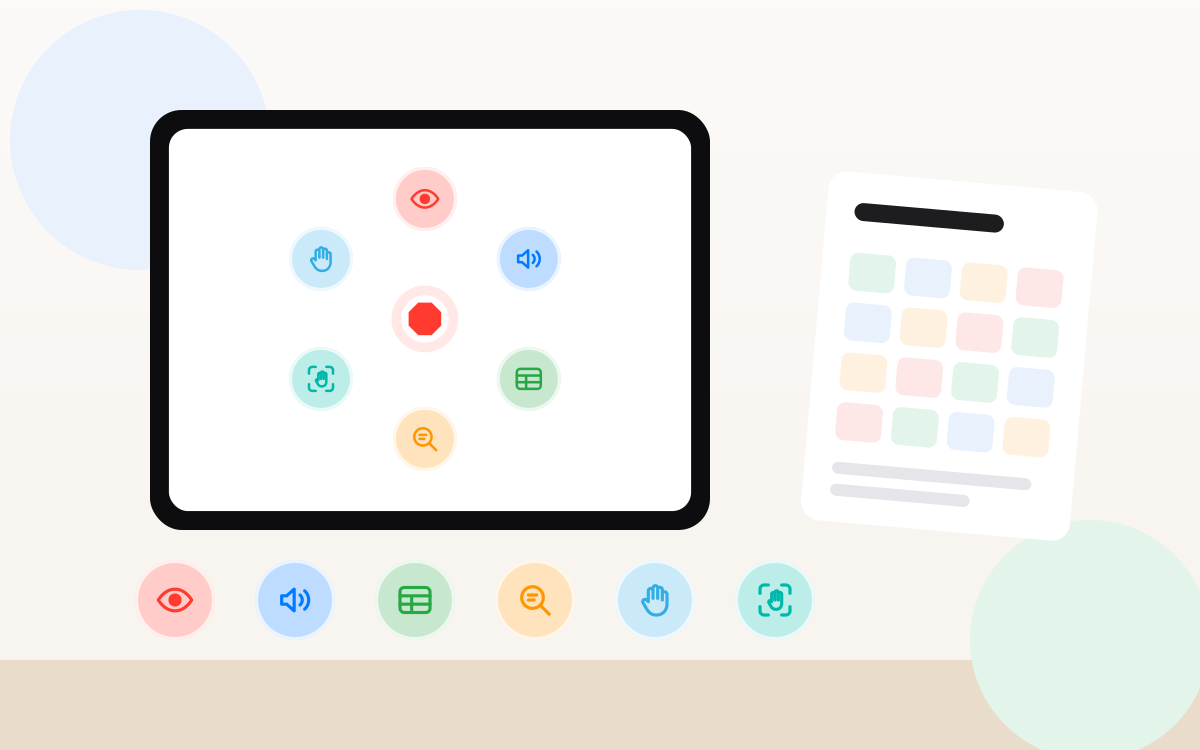
Students hear about machine learning every day. Very few get to build a model themselves, see it fail and fix it. MagicaLCore EDU turns that into a unit you can teach this term, on the iPads your school already has, without a Mac, without accounts and without sending student data anywhere.
Six exercises, one per model type
Each exercise fits in a 50 minute class, works in groups of 3 or 4 with one iPad per group, and ends with an app students can build in Swift Playgrounds.
| Exercise | What students train | Their app |
|---|---|---|
| What’s in my pencil case? | Tell a pencil, an eraser and scissors apart from their own photos | The camera recognises each object live, with its confidence |
| What’s that sound in class? | Recognise claps, finger snaps and knocks recorded in class | It listens to the class and counts every sound it hears |
| Can we guess your height? | Predict a height from hand, foot and arm span measured in class | A figure that grows to the predicted height |
| Which subject is this sentence from? | Guess the school subject of a sentence | As you type, it ranks the subjects |
| Rock, paper, scissors | Recognise a hand sign from a photo | Play against the iPad, with a scoreboard |
| Gestures that speak | Recognise hand gestures in short videos | The iPad says the gesture out loud |
How a lesson flows
- Collect. Groups gather their own examples with the iPad: photos, sounds, measurements, sentences or short videos.
- Train. They choose the settings, each one explained next to it, and watch accuracy and loss improve.
- Test. They try the model on new examples, or live with the camera and microphone, and find where it fails.
- Use it. They export the model and build an app around it in Swift Playgrounds.
The best part of the lesson is step 3. When the model gets something wrong, students have to explain why and decide which examples to add. That is machine learning literacy, not just using an app.
Built for a real classroom
- Fits in a lesson. Pause a training when the bell rings and continue next class from History.
- Works offline. Training happens on the iPad, so a slow school network never stops a lesson.
- Every setting explained, plus step by step tutorials for every model type.
- Runs on the iPads you have: any iPad with an M1 chip or later and iPadOS 26.
- 13 languages, including Arabic, right to left.
Privacy that does not need a meeting
You may know the saying: if an online service is free, you are often the product. In a classroom the product would be your students: their faces, their voices, their handwriting.
MagicaLCore EDU works the other way round. It is a paid app, so it has no reason to collect anything:
- No accounts. Students do not sign up, log in or give an email address.
- No ads and no tracking. Nothing to opt out of.
- Student data stays on the iPad. Photos, sounds and texts are never uploaded to train a model. Trained models sync only with the school’s own iCloud account, if it is turned on.
- No data for the developer. The app collects no personal data at all.
- The school accepts the terms, not the students.
Compare that with tools that need a browser, a personal account or a cloud service to save and share projects, and the conversation with families and your data protection officer becomes much shorter.
The teaching materials
- A teacher’s guide with the six exercises solved: goal, steps, what should happen, answers to the class questions, common problems and an extension.
- A rubric for every exercise, with four criteria and four levels, so grading takes minutes.
- A student notebook with the same sheets, without the answers.
- A trial guide to try the first exercise before buying.
All of it in 13 languages, with your school’s name on every page.
Buying it
Pay once, with no subscription and nothing to renew, through Apple School Manager. Schools that buy 20 or more licences get 50% off.
Want to try it first? Write to us from your school’s email: we will send an invitation to try the full app on your iPads, together with the trial guide and its first exercise.
Information about other apps and services was checked on the date of the article and may change. All product names belong to their owners.