 MagicaLCore
 MagicaLCore
 EDU


Blog
Machine learning,
explained on iPad.
Guides and honest comparisons for curious minds, students and teachers.

MagicaLCore 2.0: six kinds of models, trained on your iPad
The biggest update yet: images, sounds, tabular data, text, hand poses and hand movements, tested live with the camera and the microphone. Everything you need to know.
Read the article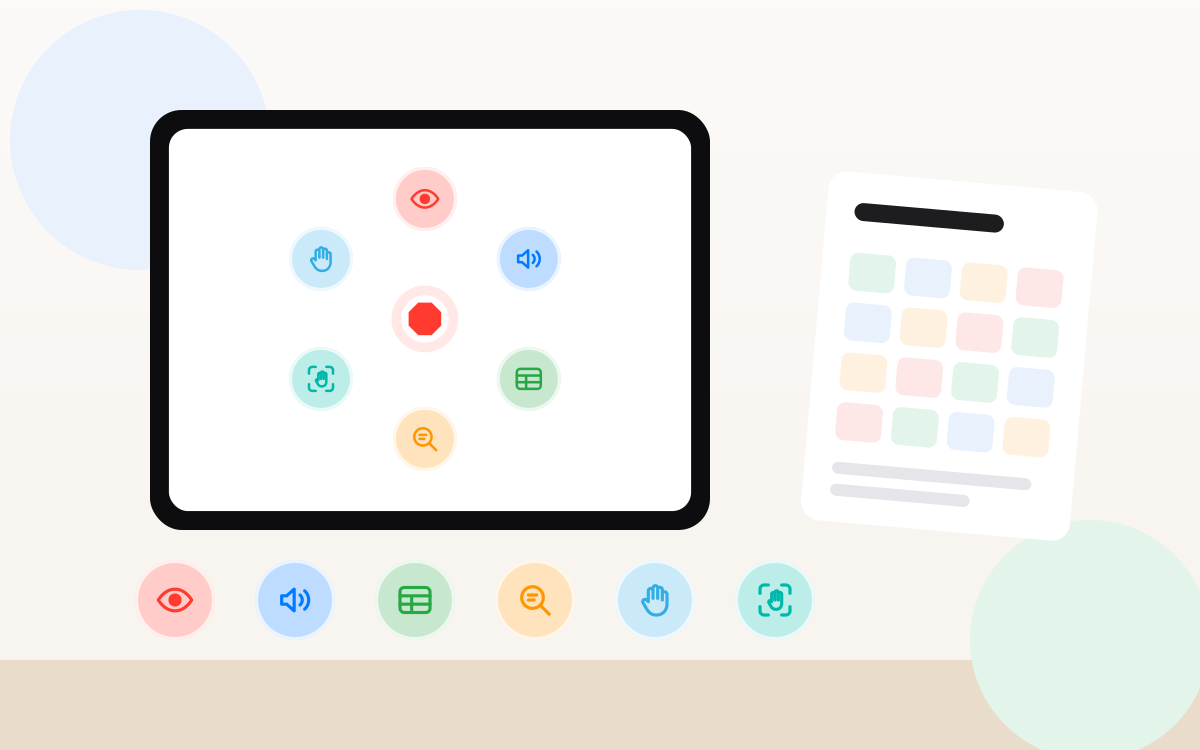
MagicaLCore EDU: a complete machine learning unit for the iPads your school already has
Six 50 minute exercises, one per model type, a teacher's guide with rubrics and a student notebook. No accounts, no ads, no tracking, and student data stays on the iPad.
Read the article
How to train a machine learning model on iPad, with no Mac and no code
A practical guide: pick a model type, collect good examples, train, test and export a .mlmodel. Everything on the iPad, and your examples are never uploaded.
Read the article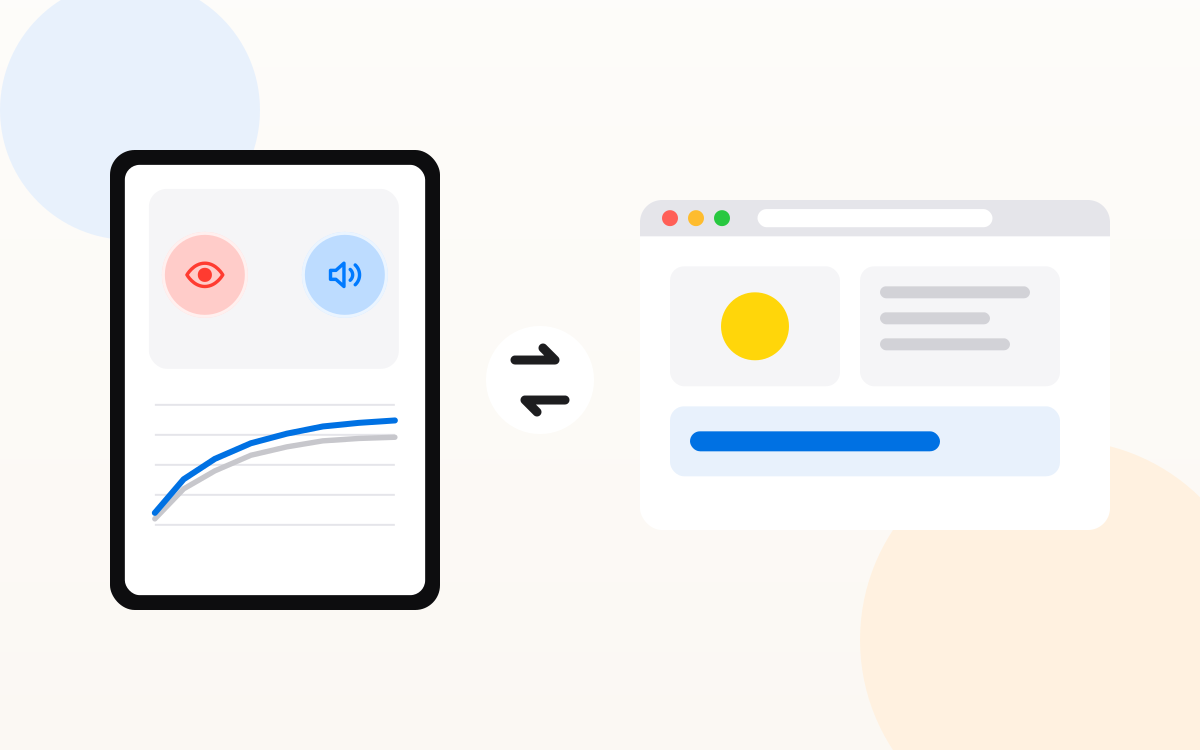
MagicaLCore vs Teachable Machine: which one fits your project?
Teachable Machine trains models in a web browser. MagicaLCore trains them in an iPad app. Model types, exports, privacy and offline use, side by side.
Read the article
Teaching machine learning at school: an honest comparison of the tools
MagicaLCore EDU, Teachable Machine and Machine Learning for Kids compared for the classroom: devices, privacy, accounts, model types and what students take away.
Read the article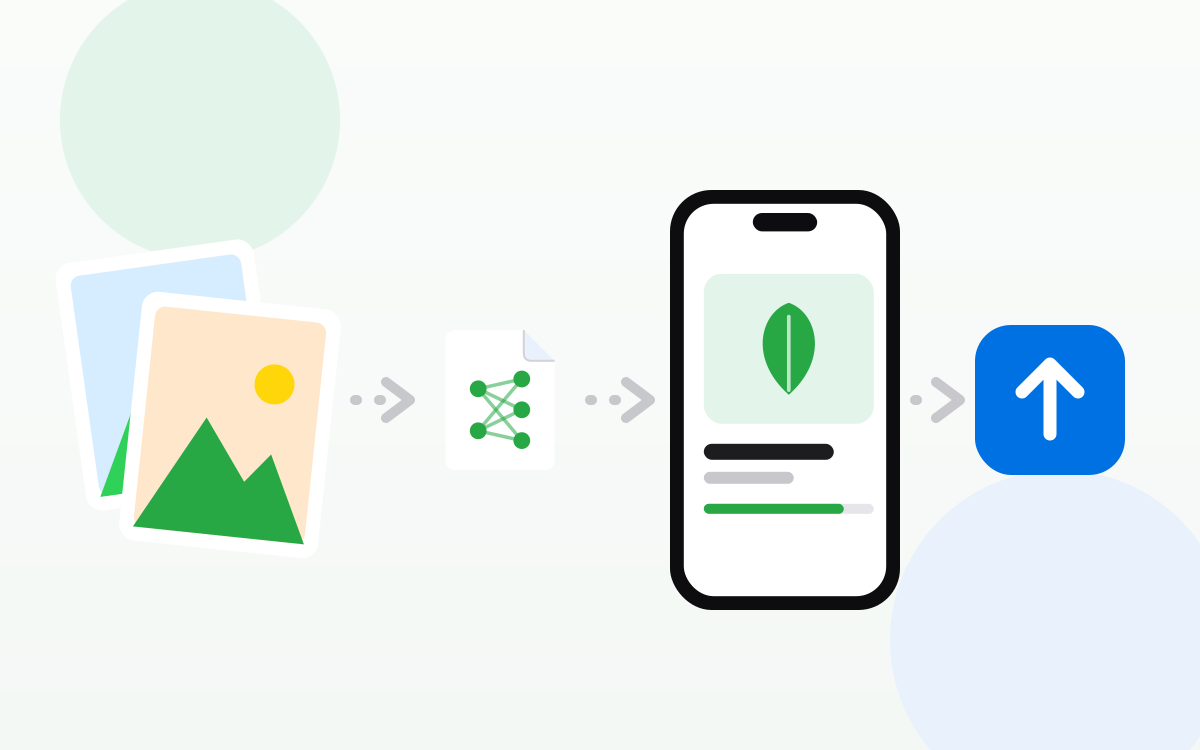
From your own photos to the App Store, all on iPad
Train a model in MagicaLCore, build the app in Swift Playgrounds and send it to App Store Connect. The whole path, step by step, without a Mac.
Read the article