 MagicaLCore EDU
 MagicaLCore
 EDU
Image
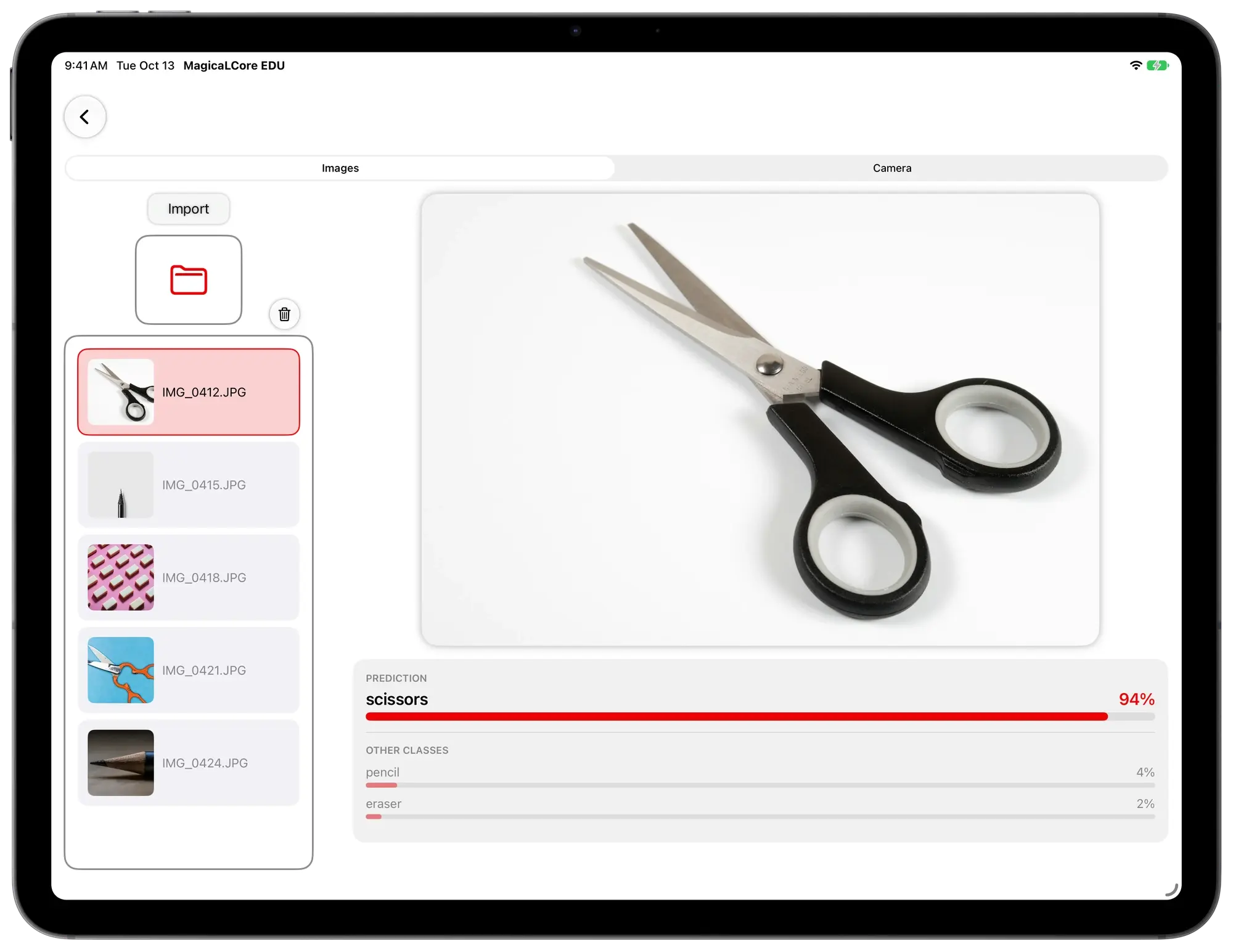
Tell a pencil, an eraser and scissors apart from photos the class takes.
MagicaLCore EDU
Students train real machine learning models on the iPads you already have, from photos, sounds, data, text and hand gestures. No Mac, no cloud.
Pay once · Apple School Manager · For iPad with M1 or later. Not available for iPhone or Mac.
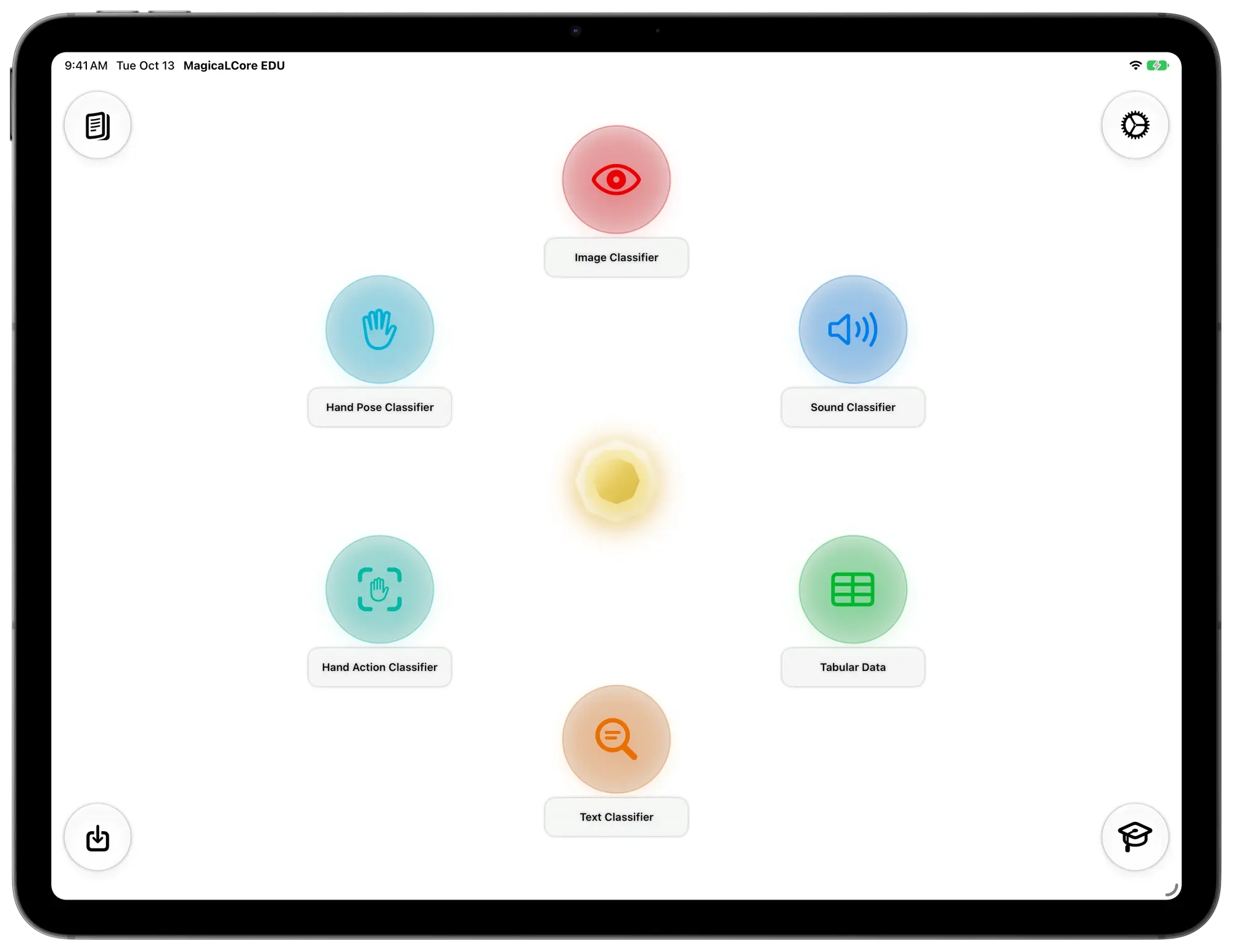
Every model type comes with a classroom idea you can try in a single lesson.
Tell a pencil, an eraser and scissors apart from photos the class takes.
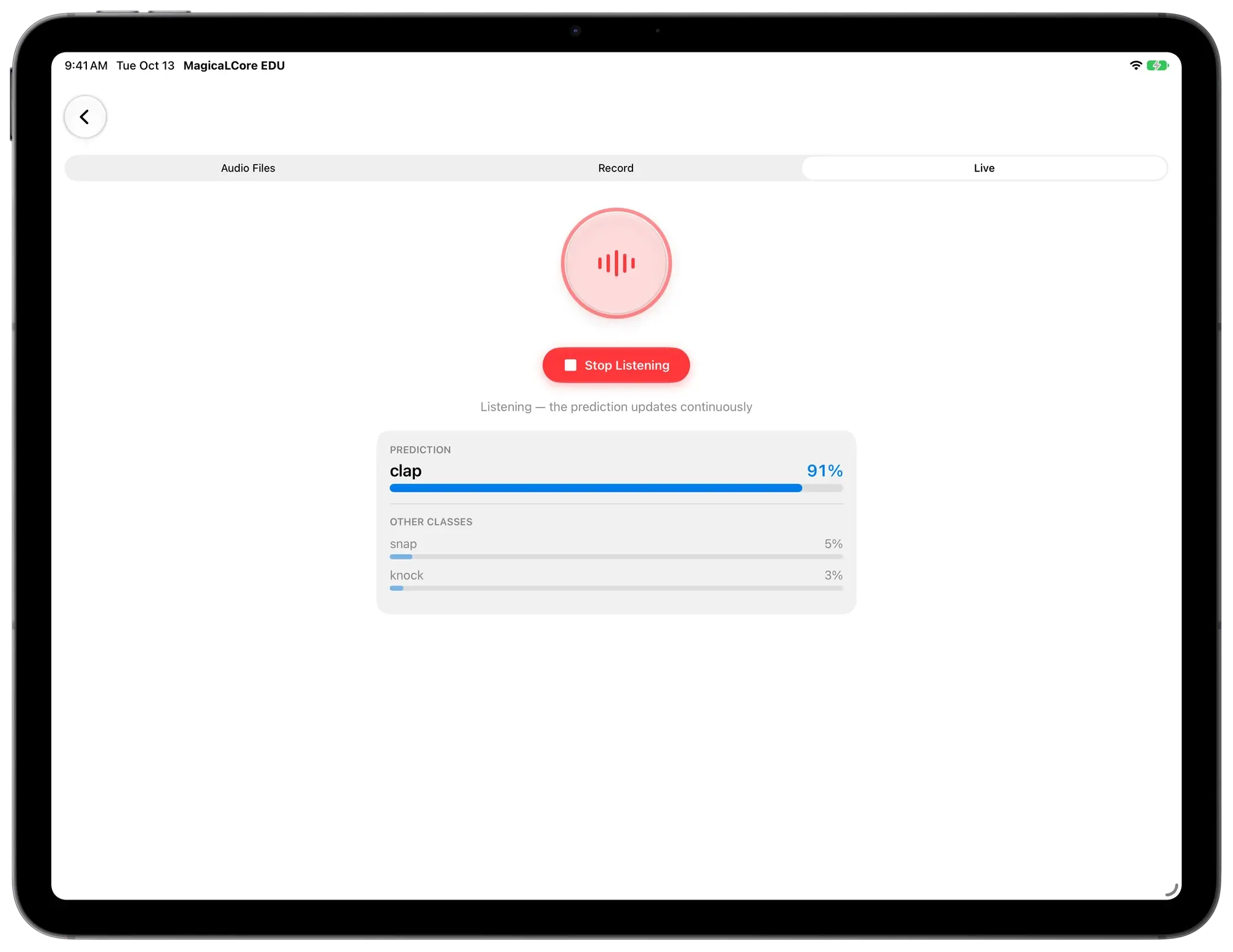
Recognise claps, finger snaps and knocks recorded in class.
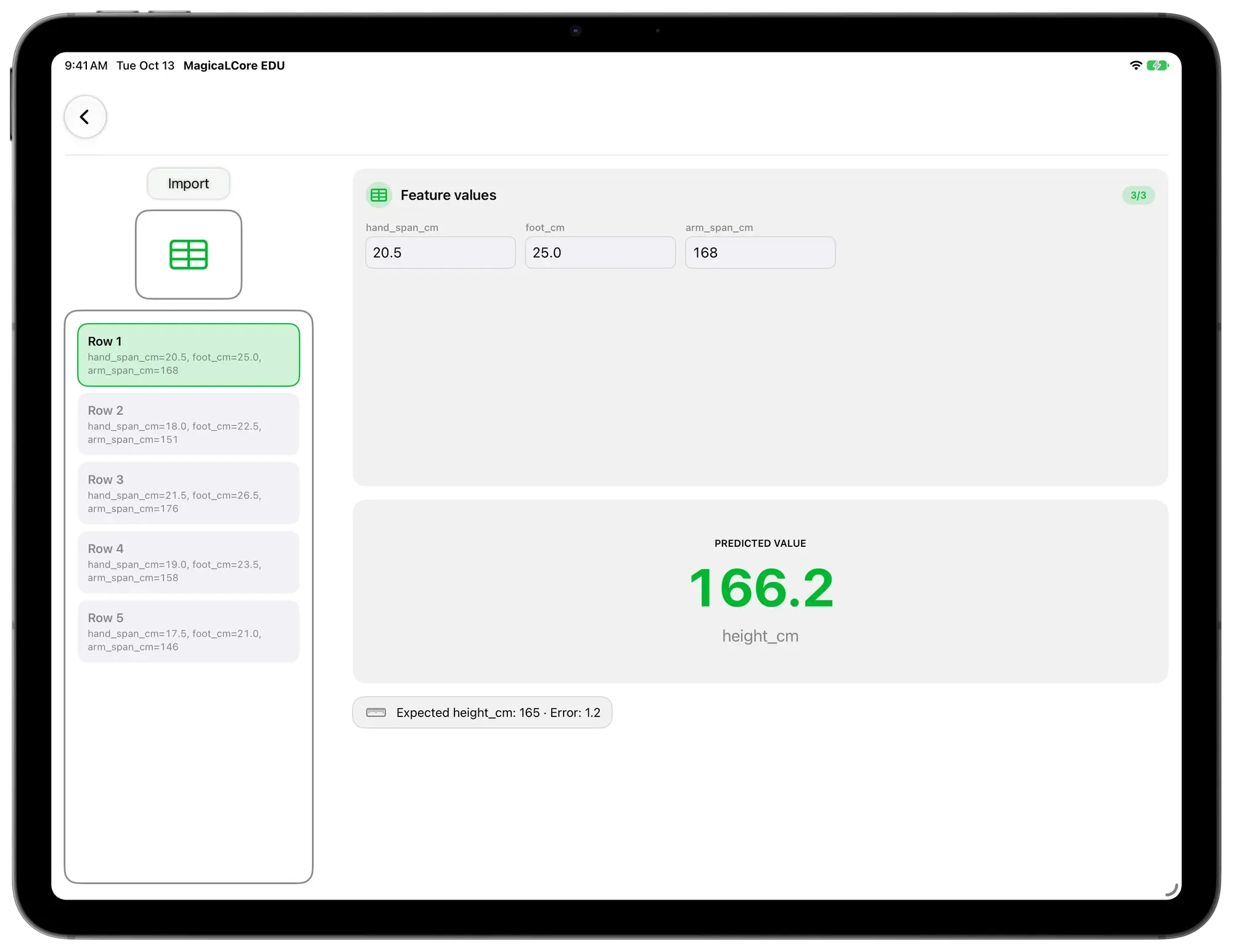
Predict someone’s height from the size of their hand, foot and arm span.
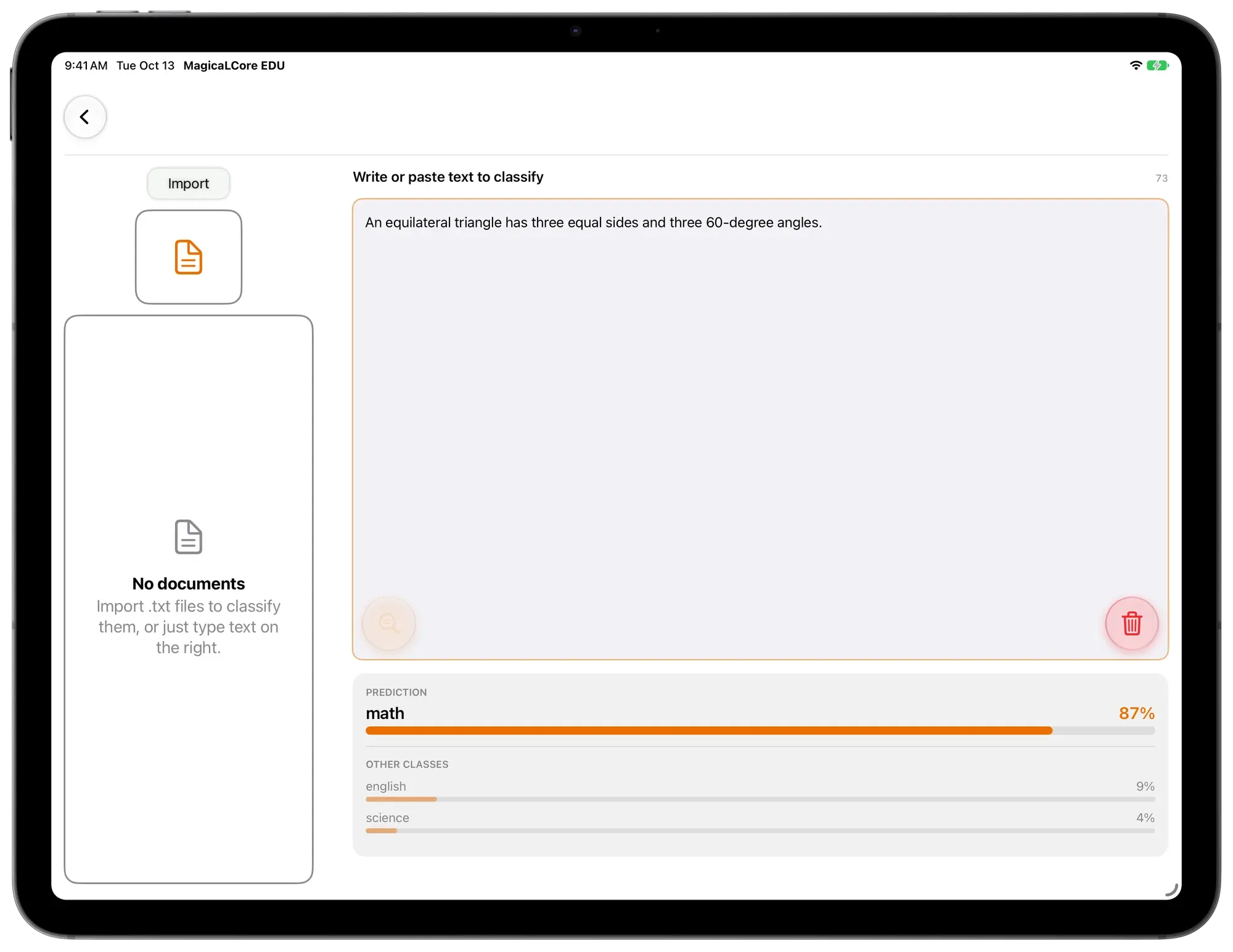
Guess which school subject a sentence comes from.
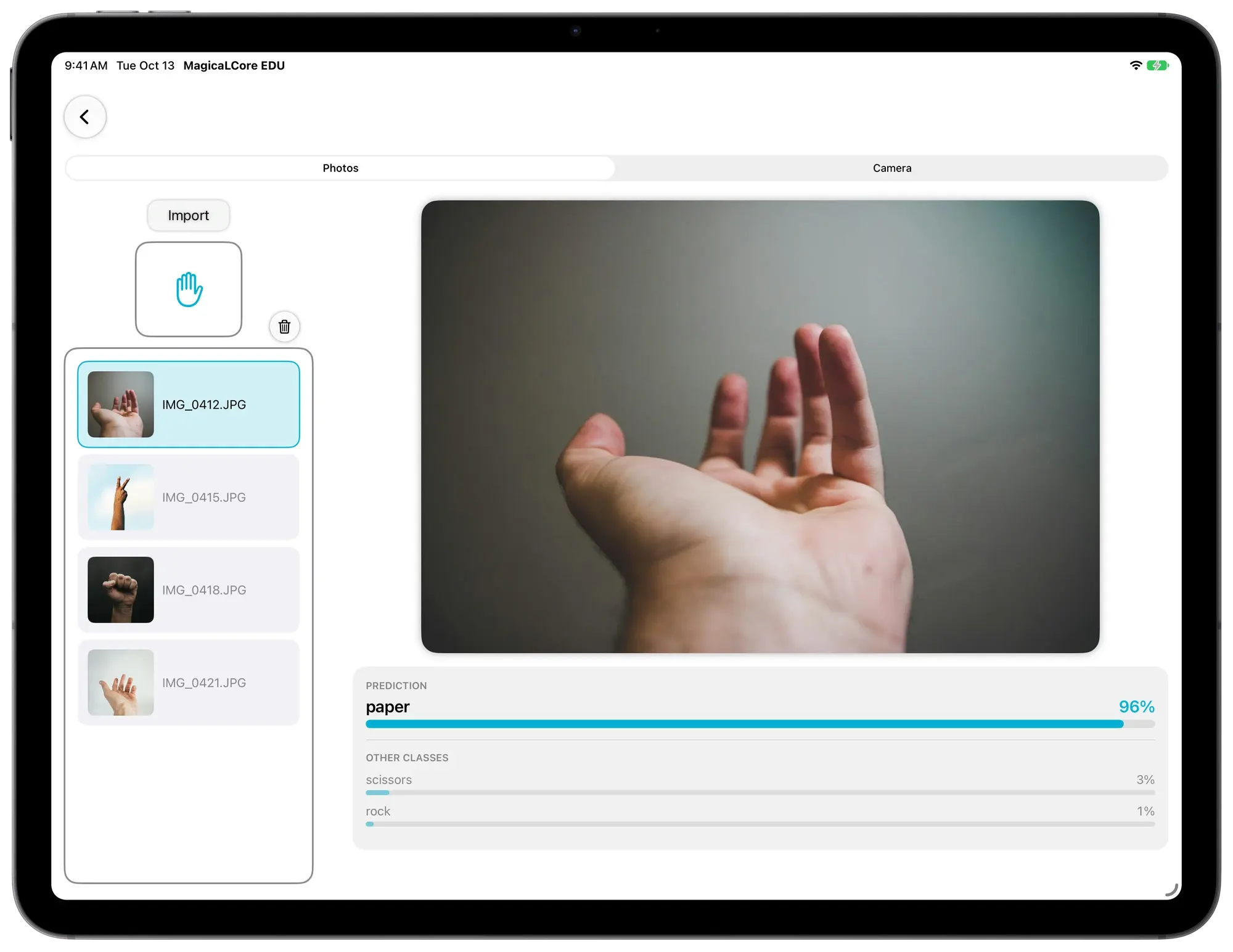
Recognise rock, paper or scissors from a photo of a hand.
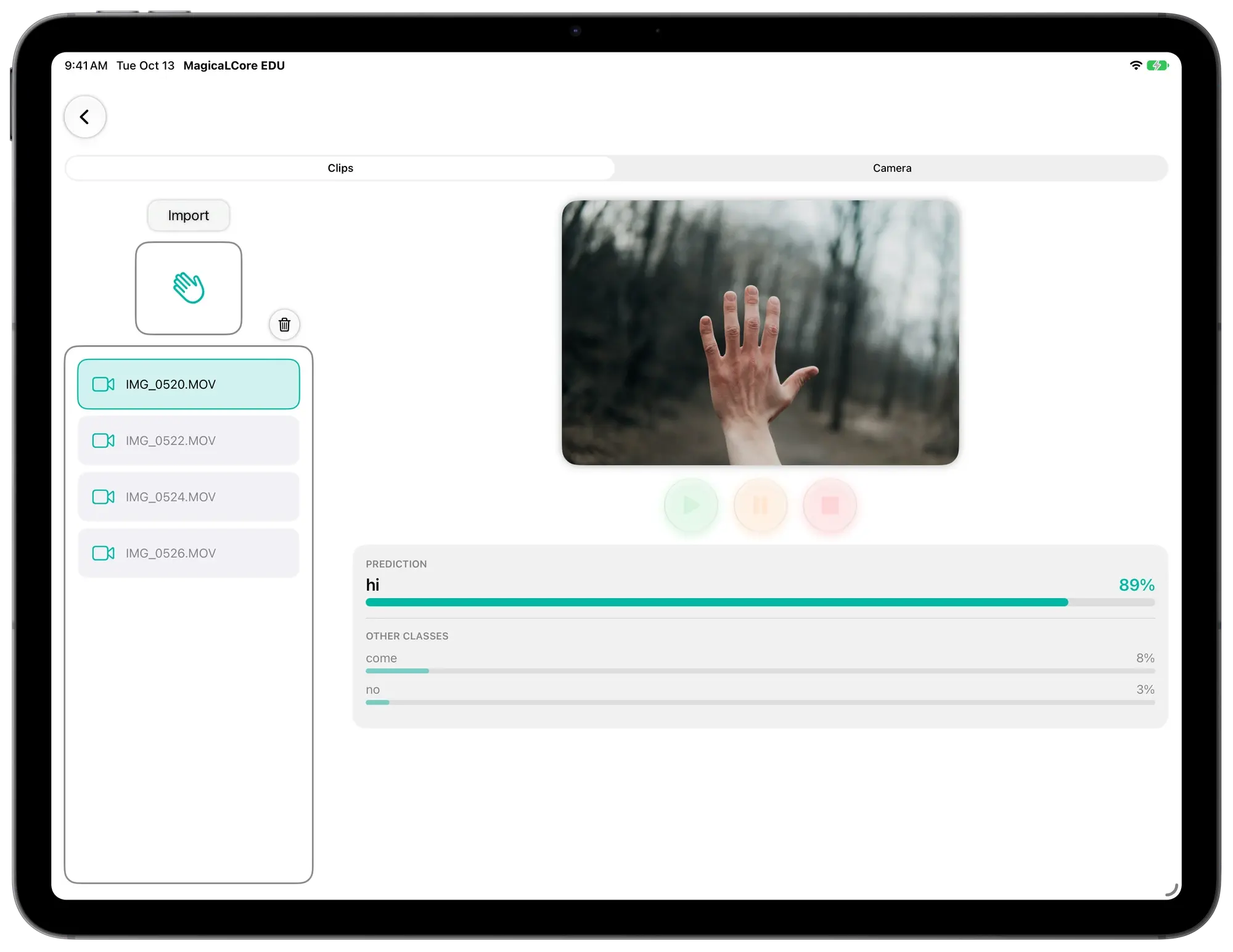
Recognise hand gestures from short videos.
How a lesson flows
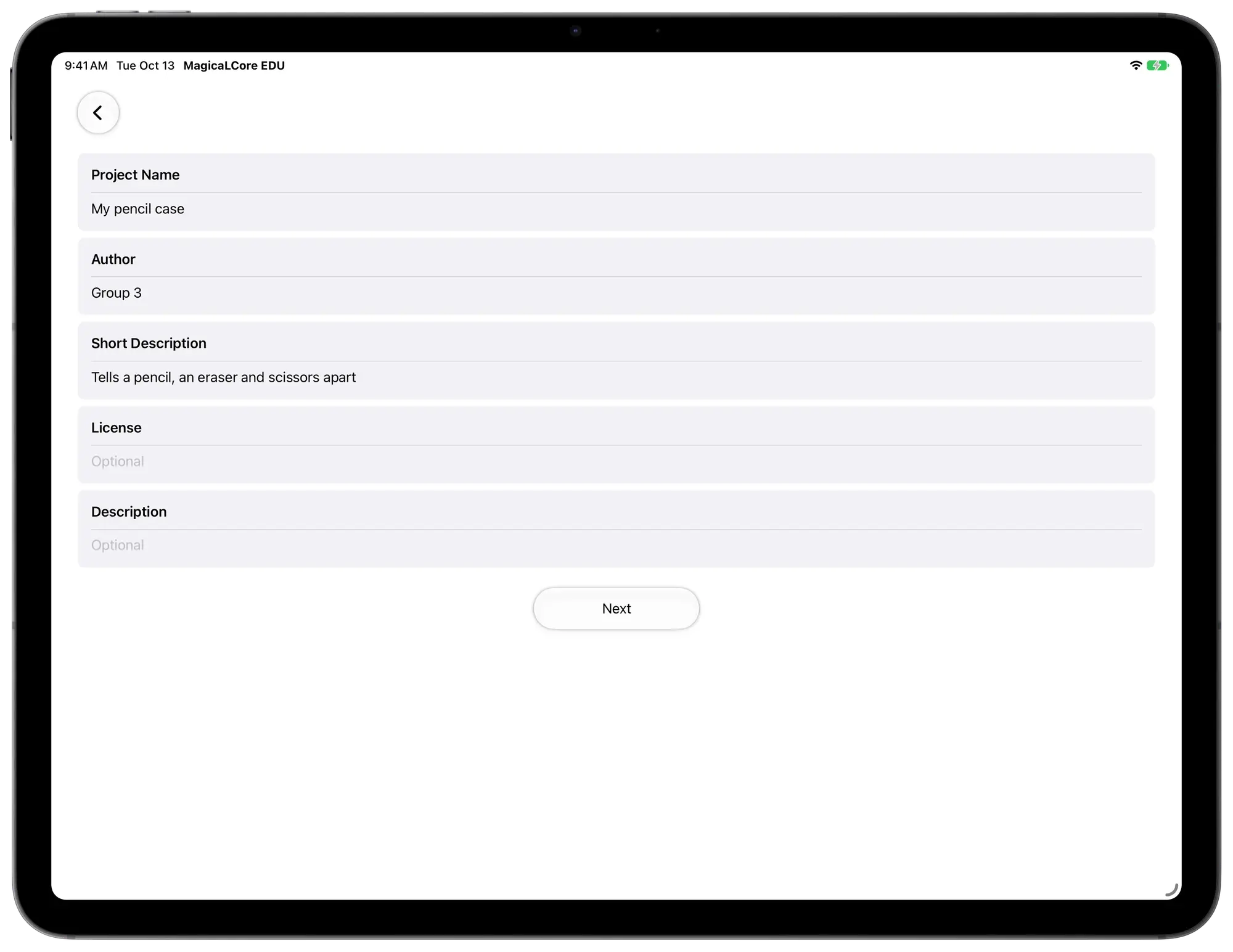
Students gather their own examples with the iPad and start a new model with its name and author.
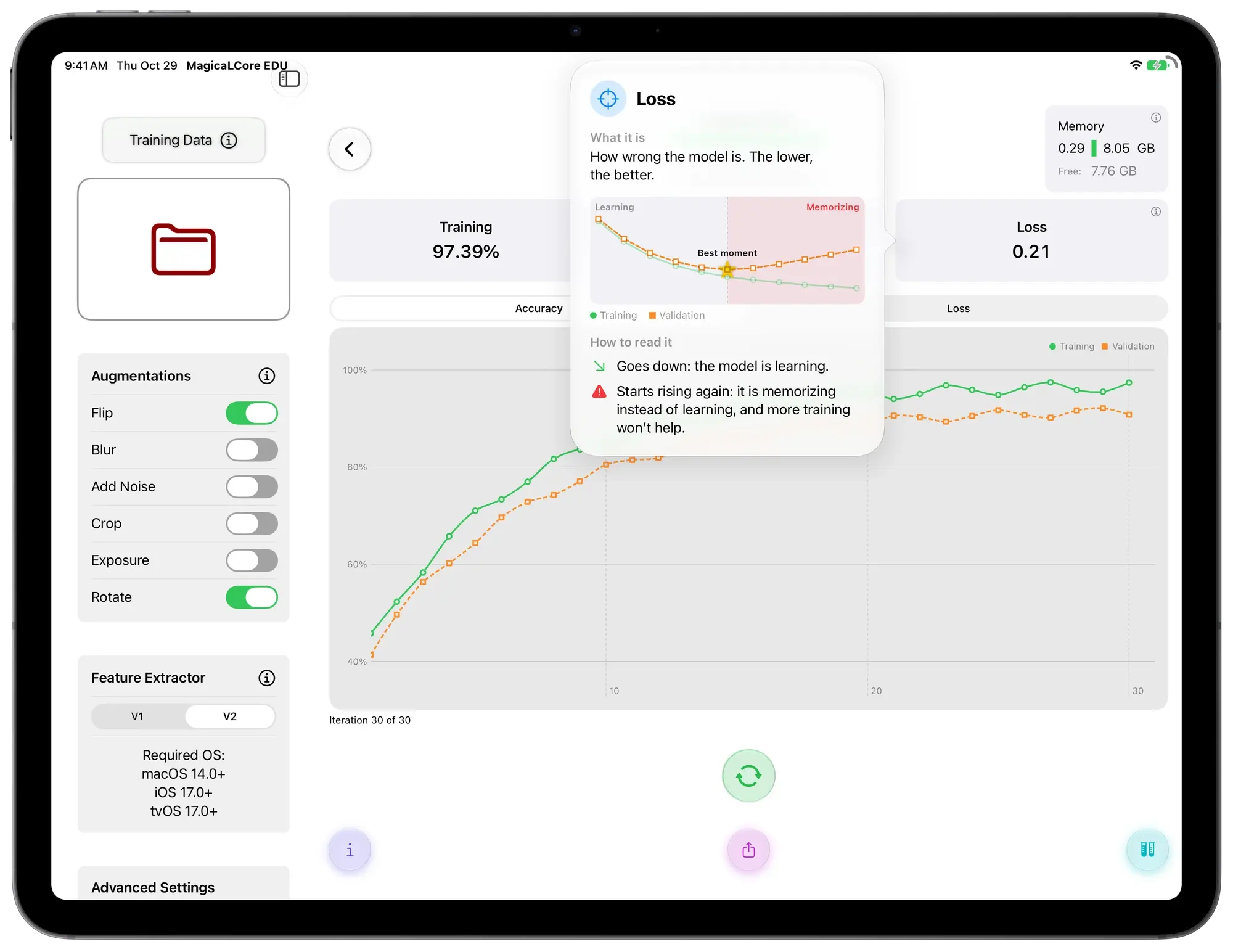
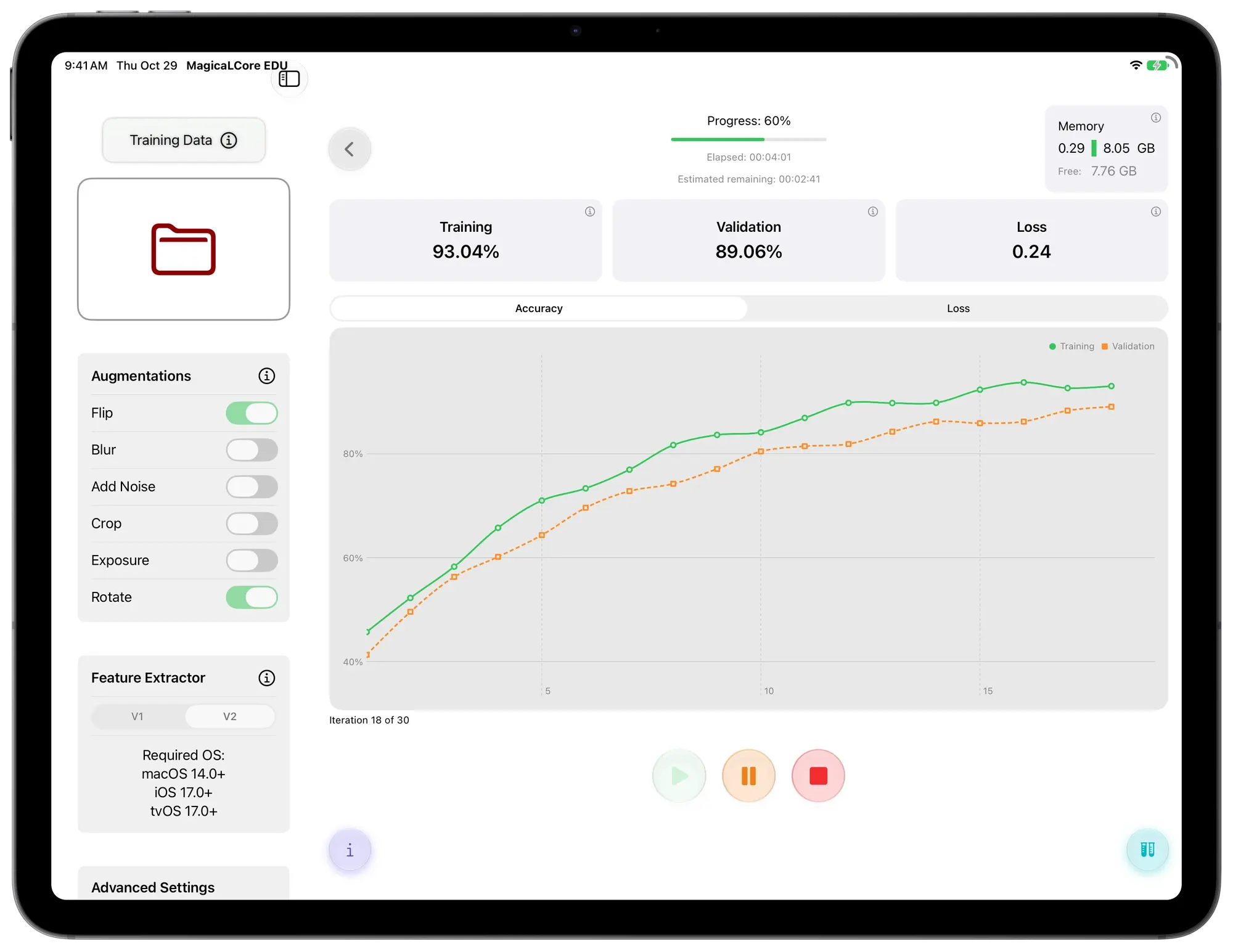
They choose the settings and watch accuracy and loss improve, iteration by iteration.
They try the model on new examples, or live with the camera and microphone, and see what it gets right and what it gets wrong.
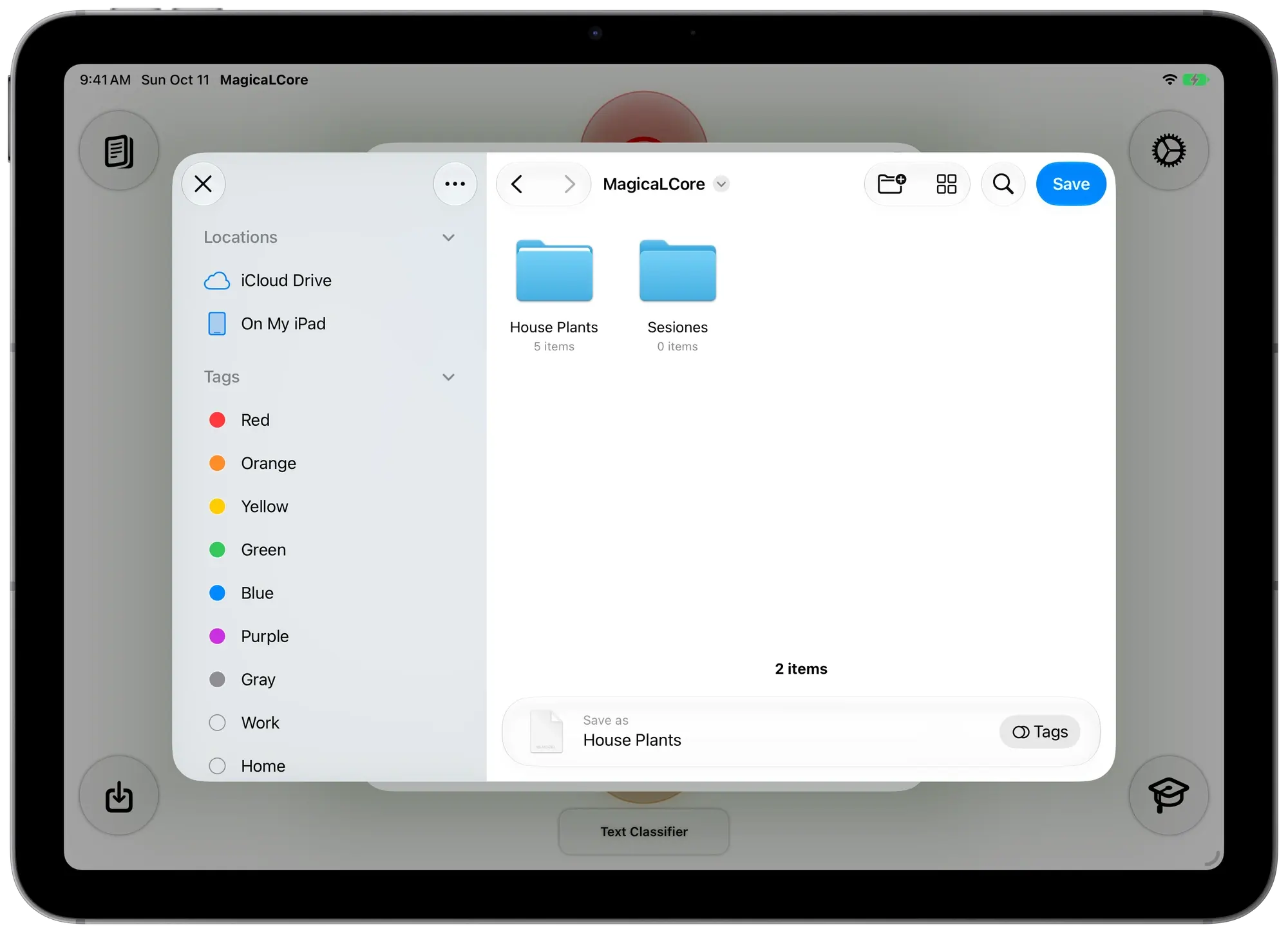
They export a .mlmodel and use it in Swift Playgrounds.
Teaching materials
Six exercises, one for each model type. Each one fits in a 50 minute class, and each one ends with an app your students can build in Swift Playgrounds.
Tell a pencil, an eraser and scissors apart from photos the class takes.
 Their app. The camera recognises each object live, with its icon and confidence.
Recognise claps, finger snaps and knocks recorded in class.
Their app. It listens to the class and counts every clap, snap and knock it hears.
Predict someone’s height from the size of their hand, foot and arm span.
Their app. A form that builds itself from the model, and a figure that grows to the predicted height.
Guess which school subject a sentence comes from.
Their app. As you type, it ranks the subjects from most to least likely.
Recognise rock, paper or scissors from a photo of a hand.
Their app. Play against the iPad: a countdown, a random pick and a scoreboard.
Recognise hand gestures from short videos.
Their app. The front camera recognises the gesture and the iPad says it out loud.
Pause a training when the bell rings and continue next class from History.
Training happens on the iPad. No internet needed.
Including Arabic, right to left.
Info buttons on every setting, plus step by step tutorials.

Students can build an app around their own model in Swift Playgrounds, on the same iPad. A real project, not just an exercise.
Nothing to sign up for and nothing tracked.
Student photos, sounds and data stay on the iPad. No data is sent to the developer.
Runs on the school iPads you already have, with iPadOS 26.

Swift Playgrounds
Swift Playgrounds is where students write real Swift code. Put the two apps together and a class project ends with an app they built themselves, around a model they trained themselves.
Swift Student Challenge
Every year Apple invites students to create an app playground and submit it to the Swift Student Challenge. A model they trained themselves can be the heart of it.
MagicaLCore is not part of the Swift Student Challenge and is not affiliated with Apple. Who can enter, the minimum age and the rules change every year and by country or region, so read the official terms before starting.
Swift Student ChallengeFor schools
Pay once. No subscriptions and nothing to renew.
When your school buys 20 or more licences.
A trial guide, a teacher’s guide with six solved exercises and rubrics, and a student notebook, in 13 languages. Sent with proof of purchase, with your school’s name on every page.
What’s in the unitWrite to us from your school’s email. You get an invitation to try the full app on your iPads with TestFlight, plus the trial guide with a first exercise. Questions about licences are welcome too.
Free, with Pro from $4.99/month
You are here $234.99, pay once


Answers about the app, Swift Playgrounds and buying for schools, all in one place.
iPad with M1 or later iPadOS 26 or later 13 languages