MagicaLCore
 MagicaLCore
 EDU


Blog · News
MagicaLCore 2.0: six kinds of models, trained on your iPad
The biggest update yet: images, sounds, tabular data, text, hand poses and hand movements, tested live with the camera and the microphone. Everything you need to know.
By MagicaLCore ·
The first MagicaLCore trained one kind of model: images. Version 2.0 trains six, and it changes how you work with them from the first example to the exported file. Here is what is new and what you can build with it.
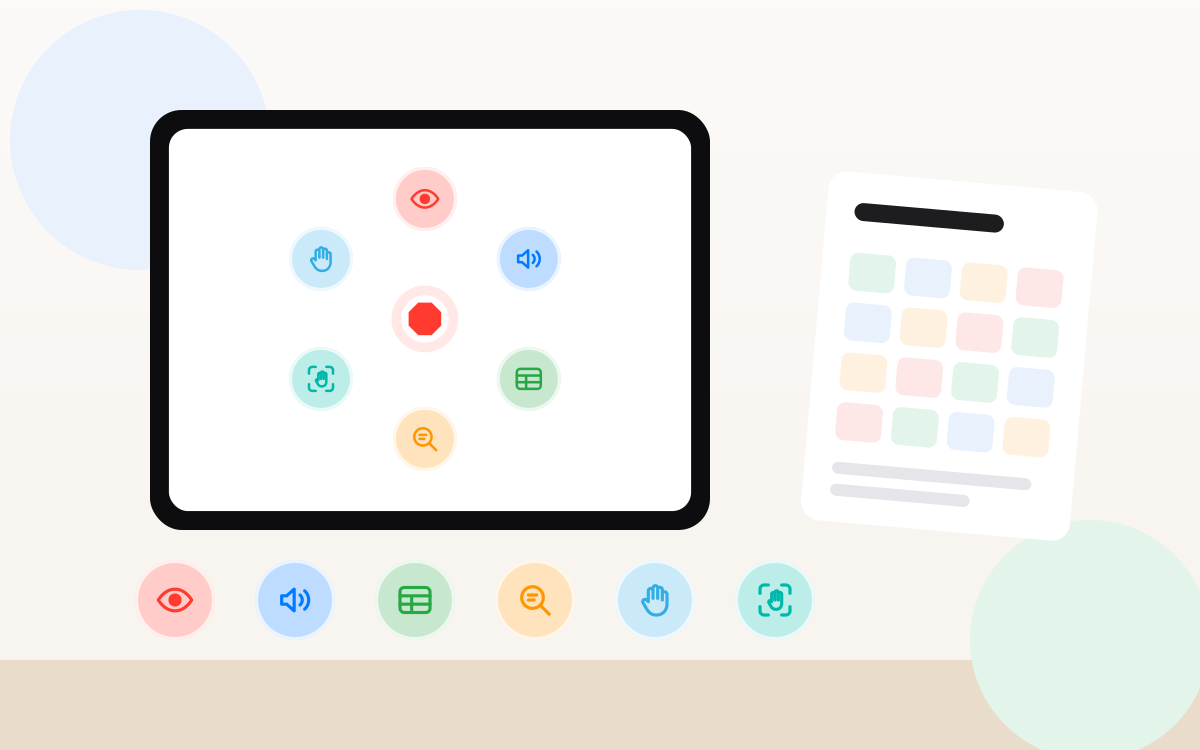
Six kinds of models
| Model | What you teach it | An idea to start |
|---|---|---|
| Image | To tell things apart in photos | Which of your houseplants is this? |
| Sound | To recognise short sounds | A clap, a knock or a doorbell |
| Tabular data | To predict a category or a number from a table | Guess a height from hand and foot size |
| Text | To sort sentences by topic or tone | Is this message a question or a complaint? |
| Hand pose | To recognise a still hand sign | Rock, paper or scissors |
| Hand action | To recognise a hand movement in a short video | A wave, a thumbs up, a “come here” |
You do not need to know which technique each one uses. You bring the examples, one folder per class, and MagicaLCore does the rest.
Test it live
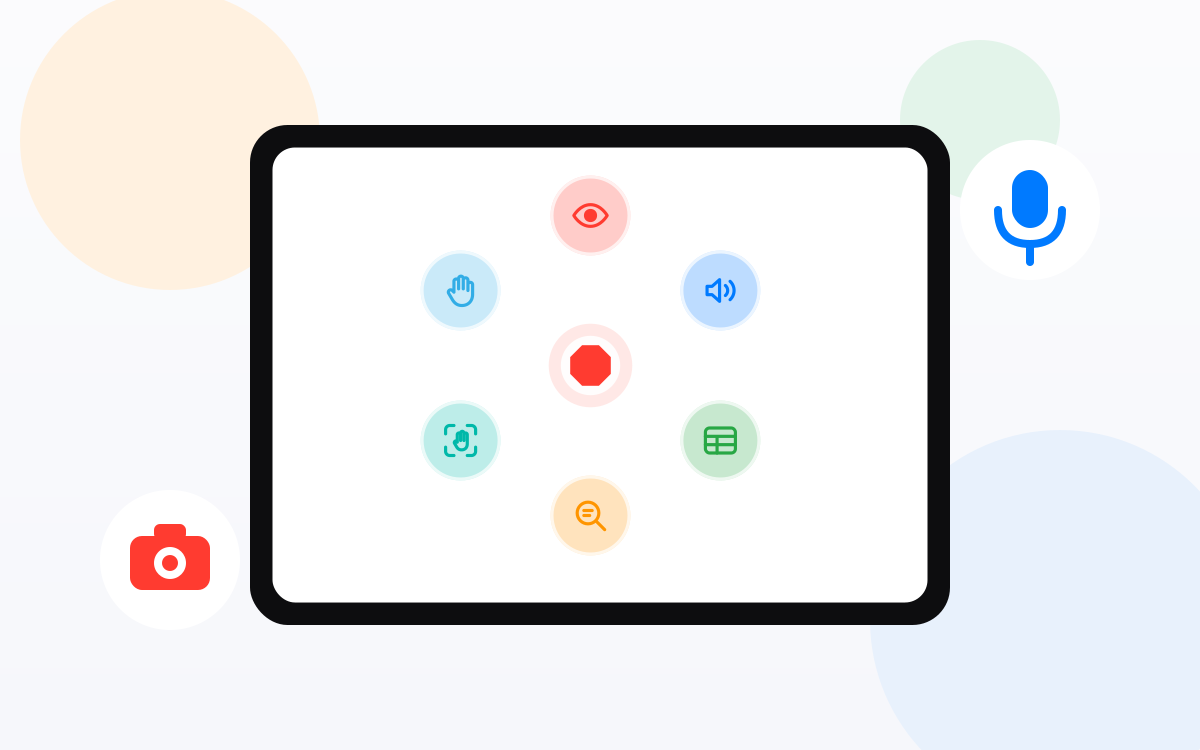
A model is only as good as its answers on things it has never seen. In 2.0 you test with your own photos, audio files, a row of data or a sentence, or live: point the camera at an object, a hand or a gesture, or let the microphone listen to the room. You see the answer and how sure the model is, instantly.
Pause today, finish tomorrow
Long training and a short evening? Pause it and carry on later from History, right where you left off. No need to keep the iPad busy for hours in one go.
Every setting, explained
Each setting has a short explanation next to it, in plain words, and there is a step by step tutorial for every model type, from collecting good examples to using your model in an app. You learn what the words mean while you use them.
A new look
A new design made for iPadOS 26, in light and dark mode, with better support for VoiceOver and larger text. MagicaLCore now speaks 13 languages, including Arabic, right to left.
From your model to your own app
When you are happy with it, export a .mlmodel with its name, author and description. It is the standard format for apps on iPhone and iPad: drop it into Swift Playgrounds or Xcode and build the app around it. With Swift Playgrounds you can do that on the same iPad, and even send the app to the App Store.
Your examples stay yours
MagicaLCore has no accounts and does not ask who you are. Training, testing and exporting happen on the iPad, and your photos, sounds and text are never uploaded to train a model. If iCloud is on, your finished models sync only with your own iCloud account. Nothing goes to us.
What you need
- An iPad with an M1 chip or later and iPadOS 26.
- Your own examples: photos, sounds, a CSV file, texts or short videos.
MagicaLCore is free to start, with Pro when you need more. For schools there is MagicaLCore EDU, a one-time purchase with no ads, no accounts and a complete teaching unit.
Information about other apps and services was checked on the date of the article and may change. All product names belong to their owners.