MagicaLCore
 MagicaLCore
 EDU


Blog · Comparison
MagicaLCore vs Teachable Machine: which one fits your project?
Teachable Machine trains models in a web browser. MagicaLCore trains them in an iPad app. Model types, exports, privacy and offline use, side by side.
By MagicaLCore ·
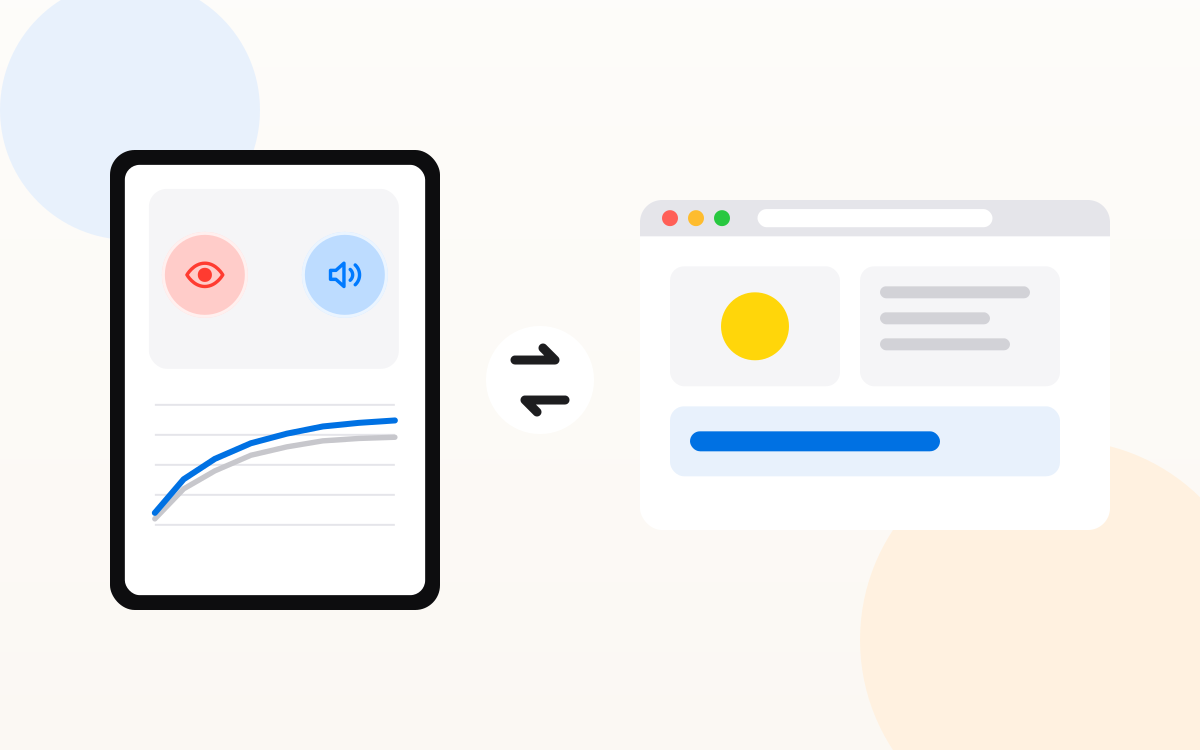
Teachable Machine, from Google, is one of the friendliest ways to meet machine learning: open a web page, show the webcam a few examples, and a model starts guessing in seconds. MagicaLCore aims at the same feeling on iPad, and then goes further, all the way to a model inside a real app. They overlap, but they are built for different destinations.
Side by side
| MagicaLCore | Teachable Machine | |
|---|---|---|
| Where it runs | An app on iPad with M1 or later | A website, in the browser |
| Model types | Image, sound, tabular data, text, hand pose, hand action | Image, sound, body pose |
| Examples from | Folders of photos, sounds or videos, CSV files, text, camera and microphone | Webcam, microphone or image files |
| Where training happens | On the iPad | In the browser, on your computer |
| Training settings | Each one with an explanation, plus accuracy and loss charts | Advanced options for epochs, batch size and learning rate, with charts |
| Pause and resume | Yes, from History | No |
| Export | .mlmodel for Xcode and Swift Playgrounds | TensorFlow formats, for the web and other platforms |
| Works offline | Yes, it is an installed app | It is opened from its website |
| Account to save your work | None | A Google account to save projects in Google Drive (or download them as a file) |
| Price | Free to start, Pro when you need more | Free |
What Teachable Machine does best
- Zero setup. It works on almost any computer with a modern browser and a webcam.
- Web projects. Its models are TensorFlow.js models, a natural fit for websites, p5.js sketches and JavaScript projects.
- Body poses. It can classify the pose of a whole body from the webcam.
- Free. Nothing to buy.
What MagicaLCore does best
- More kinds of questions. Besides images and sounds, it trains models from tabular data in CSV files, from text, from still hand signs and from hand movements in short videos.
- Made for Apple apps. It exports a .mlmodel, the format Xcode and Swift Playgrounds use. You add it to an iPhone or iPad app and use it with a few lines of Swift. The Use your model guide shows how, for every model type. A Teachable Machine model needs extra work to run inside a Swift app.
- Learn what you are doing. Every setting has a short explanation next to it, and step by step tutorials cover each model type, from collecting data to using the model.
- Long trainings that fit your day. Pause and resume later from History.
- Truly offline. Once installed, training, testing and exporting need no connection, which matters in classrooms and on field trips.
- The whole path on one device. Train in MagicaLCore, build the app in Swift Playgrounds and send it to App Store Connect, all from the iPad.
Privacy
Teachable Machine is a free product from Google. Free is great for a first try, but it is worth asking how a free service is paid for, and where your examples end up. Its page explains that training can stay on your computer. Saving a project in the cloud, though, means a Google account and Google Drive, and sharing a model online means uploading it to Google’s servers.
MagicaLCore keeps your work on the iPad. There is no account to create, training, testing and exporting happen on the device, and your photos, sounds and text are never uploaded to train a model. If iCloud is on, your models sync only with your own iCloud account. For schools, MagicaLCore EDU goes further: no ads, no accounts and no tracking.
Which one should you choose?
- A quick demo in a browser, or a model for a website: Teachable Machine.
- A model for an iPhone or iPad app, more model types, or a class of iPads: MagicaLCore and MagicaLCore EDU.
Many teachers use both: Teachable Machine for a first five minute taste, and MagicaLCore when students are ready to train a model of their own and build something with it.
Information about other apps and services was checked on the date of the article and may change. All product names belong to their owners.